Welcome
PulseBridge connects your AirPods Pro 3’s real-time heart rate to fitness equipment like Peloton, NordicTrack, or any Bluetooth HR-compatible device.
Getting Started
1. Allow Apple Health Access
Enable heart rate and workout permissions so PulseBridge can operate.
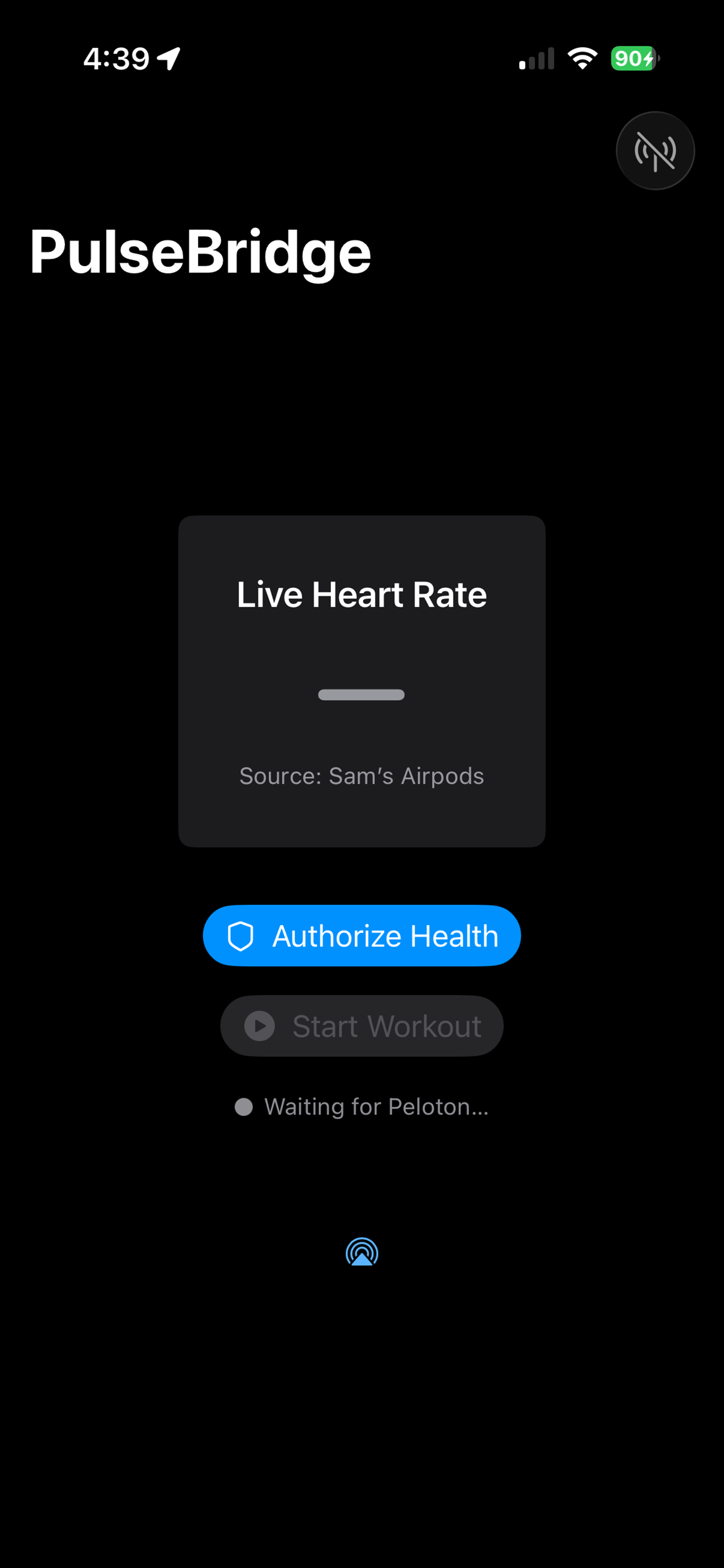
2. Wear AirPods Pro 3 & Start Workout
Ensure both AirPods are firmly seated. Then tap Start Workout inside the app.
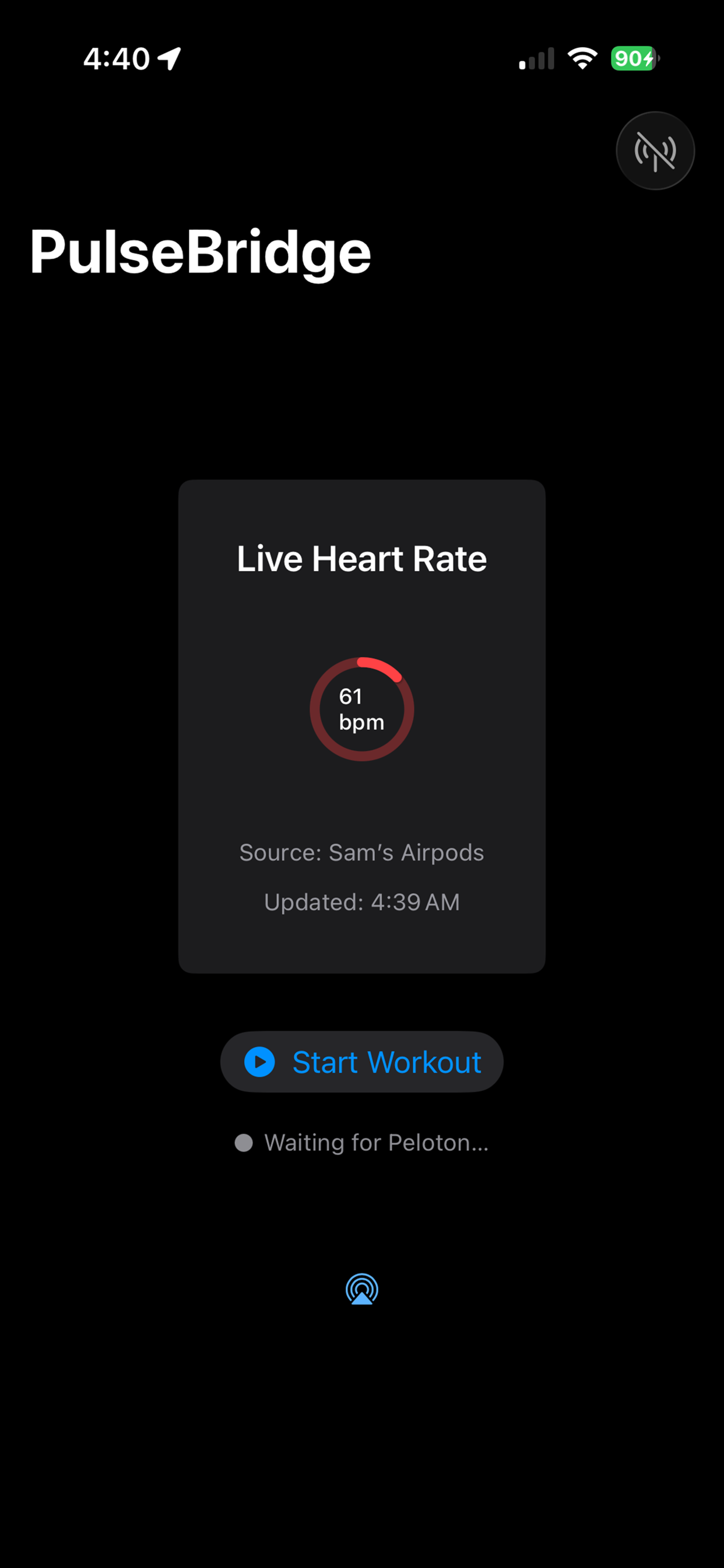
3. Enable Bluetooth Access
This allows PulseBridge to broadcast your heart rate to external equipment.
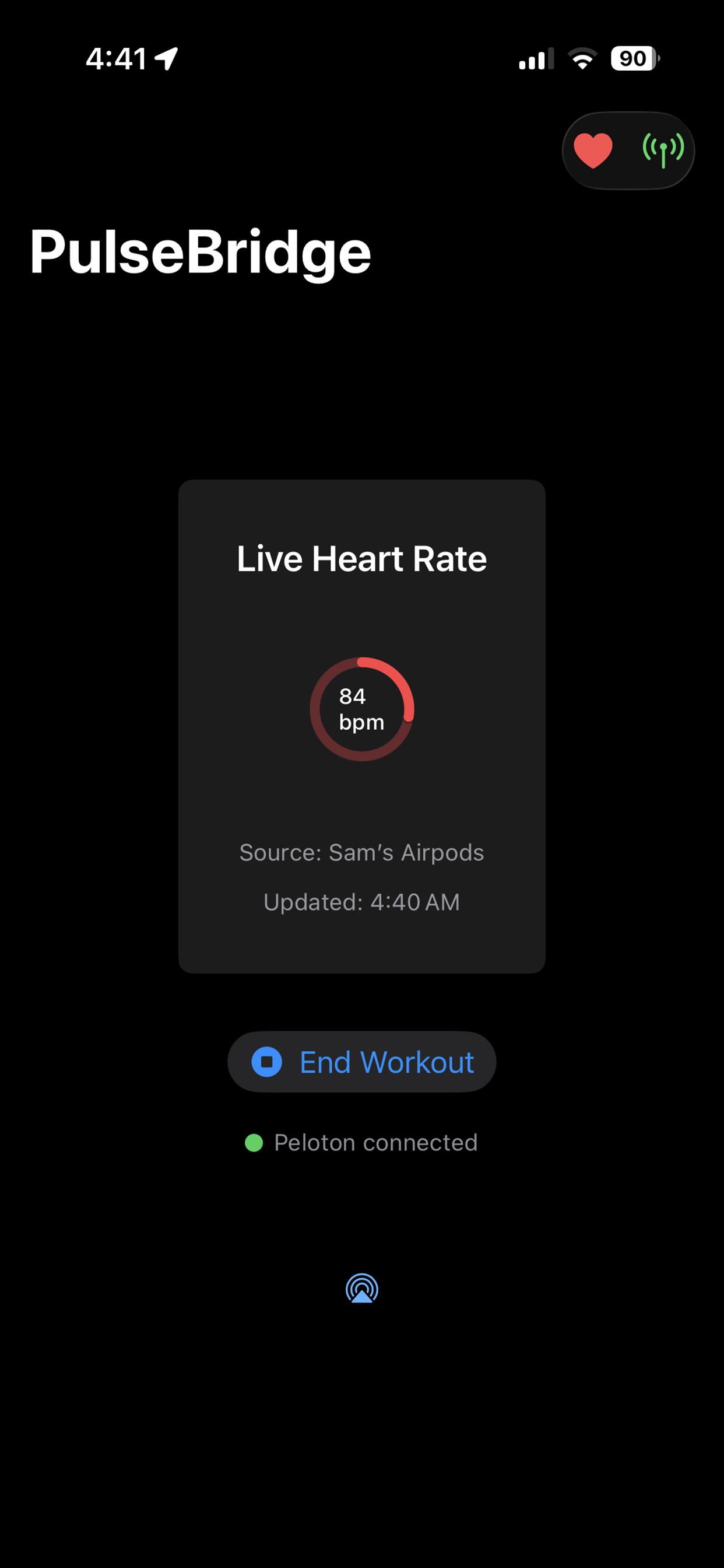
4. Connect on Your Fitness Equipment
Select a heart rate monitor on your bike, treadmill, or rower. PulseBridge will appear automatically.
FAQ
Why doesn’t my equipment see the heart rate signal?
Verify Bluetooth is enabled and both AirPods Pro 3 are in your ears with a proper seal.
Does this work with Peloton?
Yes. Select “Heart Rate Monitor” on the Peloton screen and PulseBridge will appear.
Do I need AirPods Pro 3 specifically?
Yes. Only AirPods Pro 3 support Apple’s new real-time heart rate API.